

On June 9, 2026, Microsoft released a rebuilt version of Microsoft Copilot Studio — generally available worldwide and ready for production from day one. This is not a feature update. The orchestrator is new, the authoring interface has been redesigned around a single page, and the workflow designer now operates as a unified visual canvas where agents and structured process steps work side by side.
The release addresses three things customers asked for directly: agents that follow instructions reliably across multi-step tasks, a building experience that does not require navigating nine configuration tabs to get something working, and a single place to combine workflow automation with agent intelligence. All three are now in the product.
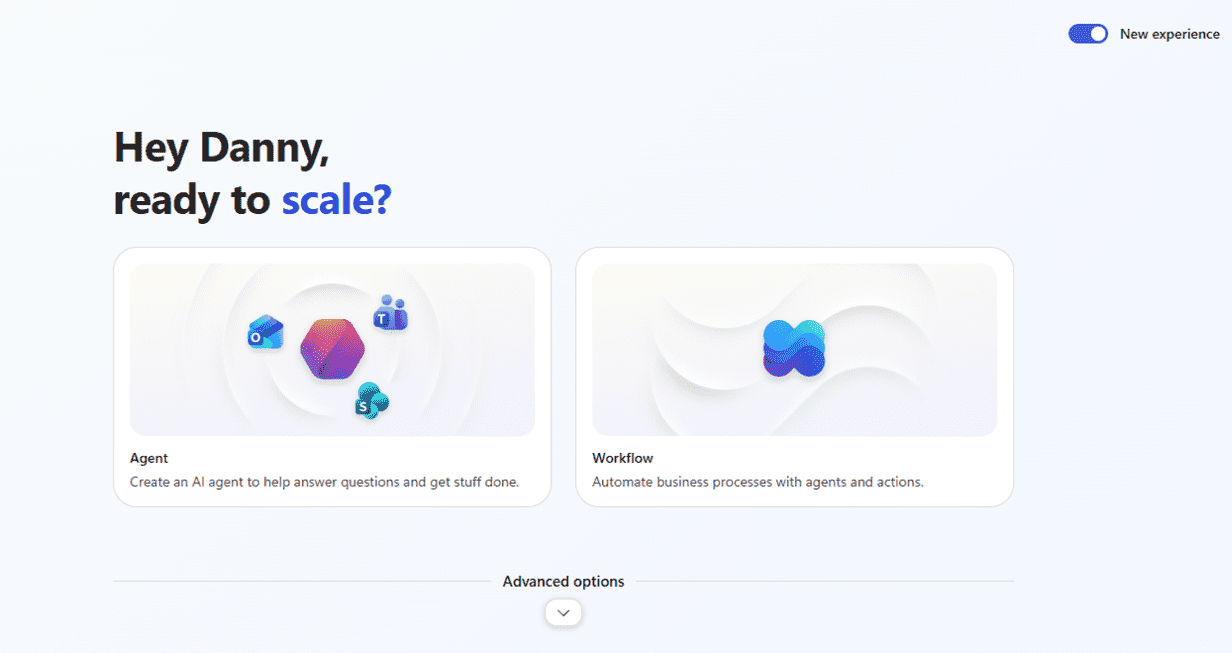
Image: Microsoft
A new orchestrator built for long-horizon tasks
The most significant change in this release is the orchestrator. The new agentic orchestrator is built on a new coding harness and CLI layer. That architectural choice produces two practical improvements: stronger instruction adherence — agents follow what you tell them more consistently — and genuine long-horizon task execution.
The orchestrator supports recursive task processing. In practical terms, this means agents can work through dynamic, branching problems rather than stalling when a task diverges from a straight line. The orchestrator can also handle large volumes of content and produce rich file outputs, which opens up document and data scenarios that were difficult to support reliably before.
A building interface that shows everything at once
The authoring interface has been rebuilt as a single-page view. Configuration tabs have been reduced from nine to four, keeping essential controls at the front. Instructions, skills, tools, and knowledge sources are visible in one place — no tab-switching to check what the agent has access to.
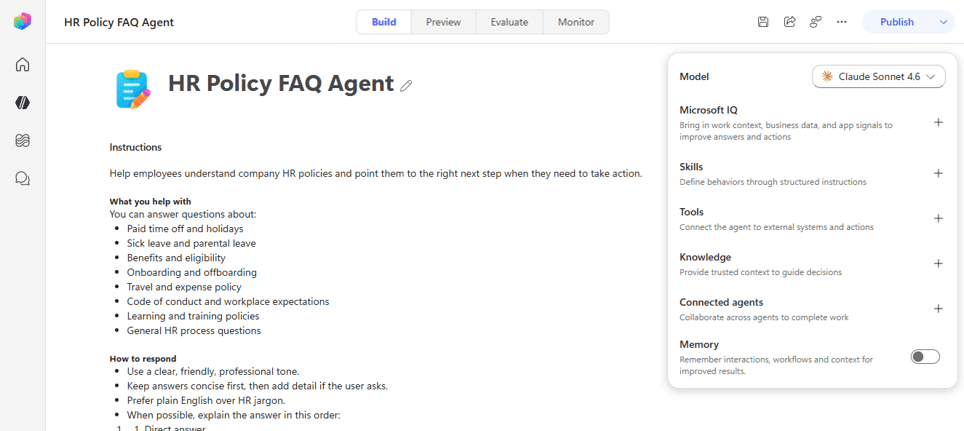
Image: Microsoft
The test panel has also been redesigned. It now runs full-page, with better formatting and inline display of chain-of-thought reasoning and tool calls. Builders can see exactly what the agent is doing during a test run without leaving the authoring screen.
Skills — reusable instruction blocks in markdown
The new experience introduces skills: reusable instruction sets written in markdown that an agent loads on demand for specific tasks. Skills can be authored directly in Copilot Studio or imported from existing sources — including GitHub Copilot skills and Claude Code skills. Teams that have already built instruction libraries in those tools do not need to start from scratch.
Skills make it practical to maintain a shared library of agent behavior across projects, rather than rewriting equivalent logic for each new agent.
A workflow designer built for AI-native processes
The new workflow designer is a single, unified visual canvas for building agentic automation. Structured workflow steps and agents sit together on the same canvas — no switching between tools to connect them.
Three capabilities anchor the new designer:
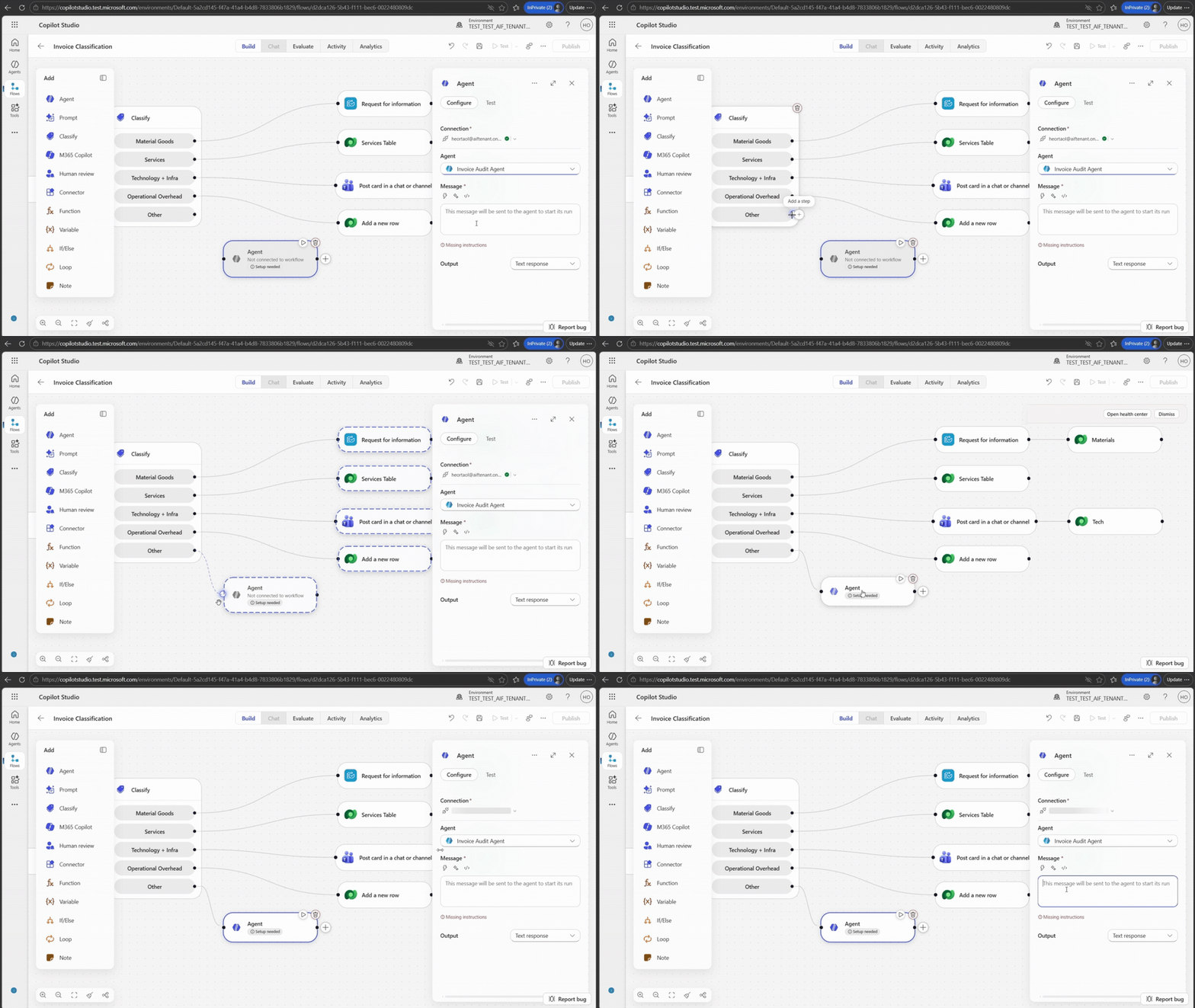
Source: Mucrosoft
How to access the new experience
All Copilot Studio users can access the new experience today. Go to Copilot Studio and click “Try now” at the top of the homepage. The new streamlined building interface and modern orchestrator are available immediately.
The classic experience remains available in parallel. Existing agents and workflows are unaffected. Teams can explore and migrate at their own pace — nothing in this release is deprecated.
Microsoft is continuing to develop the platform based on user feedback. The feedback control in the top-right corner of the product sends input directly to the team.
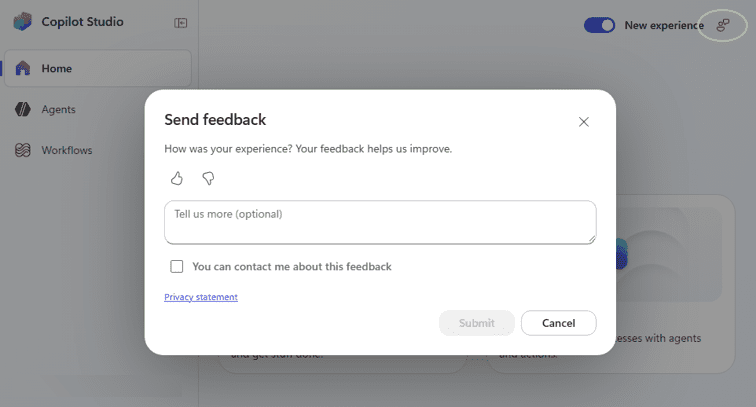
Image: Microsoft
Conclusion
The June 2026 Copilot Studio release draws a clear line between the platform’s earlier role as a conversational agent builder and its current scope: a unified environment for building agents, automating structured processes, and combining both into end-to-end workflows. The three changes — orchestrator, interface, and workflow designer — address the same underlying problem from different angles: closing the gap between what an agent is supposed to do and what it actually does in production.
For organizations already building on Copilot Studio, the new experience is available now with no migration required. For those evaluating whether agent automation is ready for production workloads, this release provides the strongest answer Microsoft has given to date.