
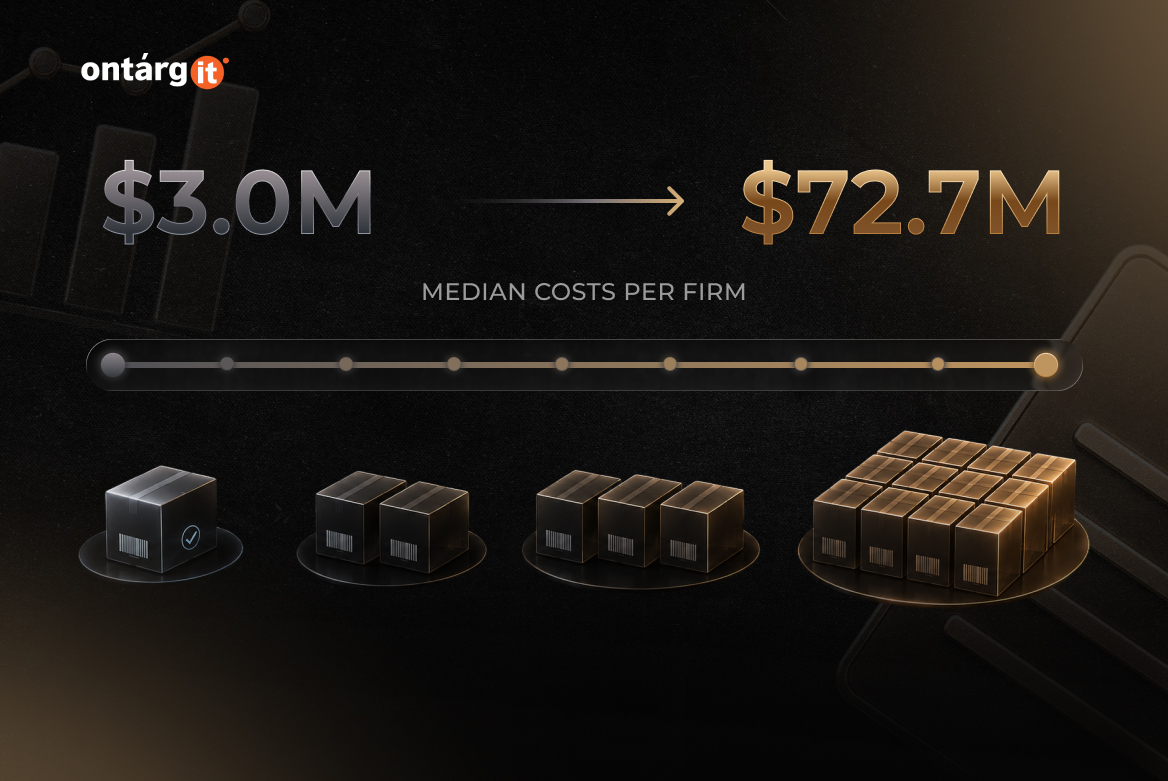
When a recall is scoped too broadly because the contaminated source cannot be pinpointed fast enough, producers incur median costs between $3.0 million and $72.7 million per firm (Ackerley et al., “Costs of Overly Broad Recalls,” Journal of Food Protection, 2025). The difference between pulling one lot and pulling an entire product category is a data question — and it is decided years earlier, during ERP selection.
Score a food and beverage ERP demo against a recall, not a feature list
Most food ERP evaluations run on a coverage matrix. Rows for modules, columns for vendors, a score in every cell. It produces a defensible-looking document and tells you very little.
A better test takes one question. Hand the sales engineer a real ingredient lot from your own receiving records and ask them to show you every finished pallet containing that lot, and every customer who received one. Then watch how the answer gets produced — how many screens, how much manual filtering, whether anyone reaches for Excel.
Criterion 1: lot genealogy that runs in both directions
Backward tracing is the easy half — this pallet came from that batch, which came from that supplier delivery. Forward tracing is where systems break, because it has to cross multi-level formulas: one ingredient lot enters a semi-finished blend, the blend enters three finished SKUs, and the finished SKUs go to eleven customers.
In Microsoft Dynamics 365 Supply Chain Management, the mechanism is batch control and batch attributes, extended by the Tracked components feature. Shop floor workers register the batch or serial numbers of the components they consume, and those registrations link to the batch of the finished good. Managers query the result through the item tracing report. Tracked components is turned on by default, though the state in any given environment is worth confirming in Feature management rather than assumed. Microsoft also offers a separate Traceability add-in for as-built BOM registration and where-used search, which its documentation currently labels a preview feature — worth watching, not worth planning around.
Criterion 2: pricing what you weigh, not what you count
If you process meat, fish, poultry or cheese, your inventory has two truths at once. You ship a box, and you invoice a kilogram, and the two never reconcile exactly.
Dynamics 365 Supply Chain Management handles this through catch weight items, which carry two units of measure simultaneously. Microsoft’s naming reverses most people’s intuition here, so it is worth stating plainly: the catch weight unit is the discrete unit you count and handle — a box, an each, a pallet — while the inventory unit is the weight unit you actually weigh and invoice in, such as kilograms or pounds. A nominal conversion links them, so a box nominally holds 10 kg. A catch weight tag then captures the real weight once, at receipt, so the product isn’t reweighed at every subsequent touch. Minimum and maximum tolerances belong to the catch weight setup, and whether outbound weight variance is permitted at all is governed by the item’s catch weight item handling policy.
Criterion 3: shelf life the planning engine can see
Buyers routinely conflate two capabilities. FEFO picking in the warehouse is common and most systems have it. Shelf life as a constraint on planning and order promising is rarer, and it is the one that protects margin.
Dynamics 365 Supply Chain Management expresses this as sellable days: the minimum number of days a customer must have to sell the product before the batch expires, measured against the requested receipt date, or the confirmed date where one is defined. It works only when the item belongs to an item model group with FEFO date-controlled enabled — a configuration decision made during implementation, and one that is expensive to retrofit.
Criterion 4: quality records an auditor accepts without a spreadsheet
Does your QA team maintain a parallel system? If certificates of analysis live in Word, batch records in a binder, and corrective actions in someone’s inbox, the ERP has failed no matter what the coverage matrix said.
Advanced quality management moves those records inside the ERP. Electronic batch records cover both the master manufacturing record and the batch production record. Customer-specific certificates of analysis can be generated automatically when the sales order packing slip is posted. CAPA management, flexible sampling plans, skip lot testing, instrument calibration and electronic signatures complete the set. Microsoft positions the suite against the FDA’s Quality System Regulation, 21 CFR Part 11, cGMP and ISO standards. Version pinning matters less than it appears: under One Version, what is enabled by default shifts between releases, so treat these version numbers as the point at which the capability became available, and check Feature management for the environment you are actually buying.
Criterion 5: whether the people on the line will actually use it
Traceability data that depends on a worker typing into a desktop ERP screen degrades within a month. Registrations get batched up and entered at shift end, from memory. This is the criterion buyers skip during selection and regret during their first mock recall.
The production floor execution interface in Dynamics 365 Supply Chain Management is built for that reality — role-based, optimized for touch, with visual contrast that meets accessibility requirements for shop floor environments. Workers open a job list, clock in, report consumption and register batch numbers at the point where material is actually consumed.
Where the platform stops and a food and beverage ERP layer starts
Score the base platform and the industry layer separately, and make every vendor tell you which is which.