

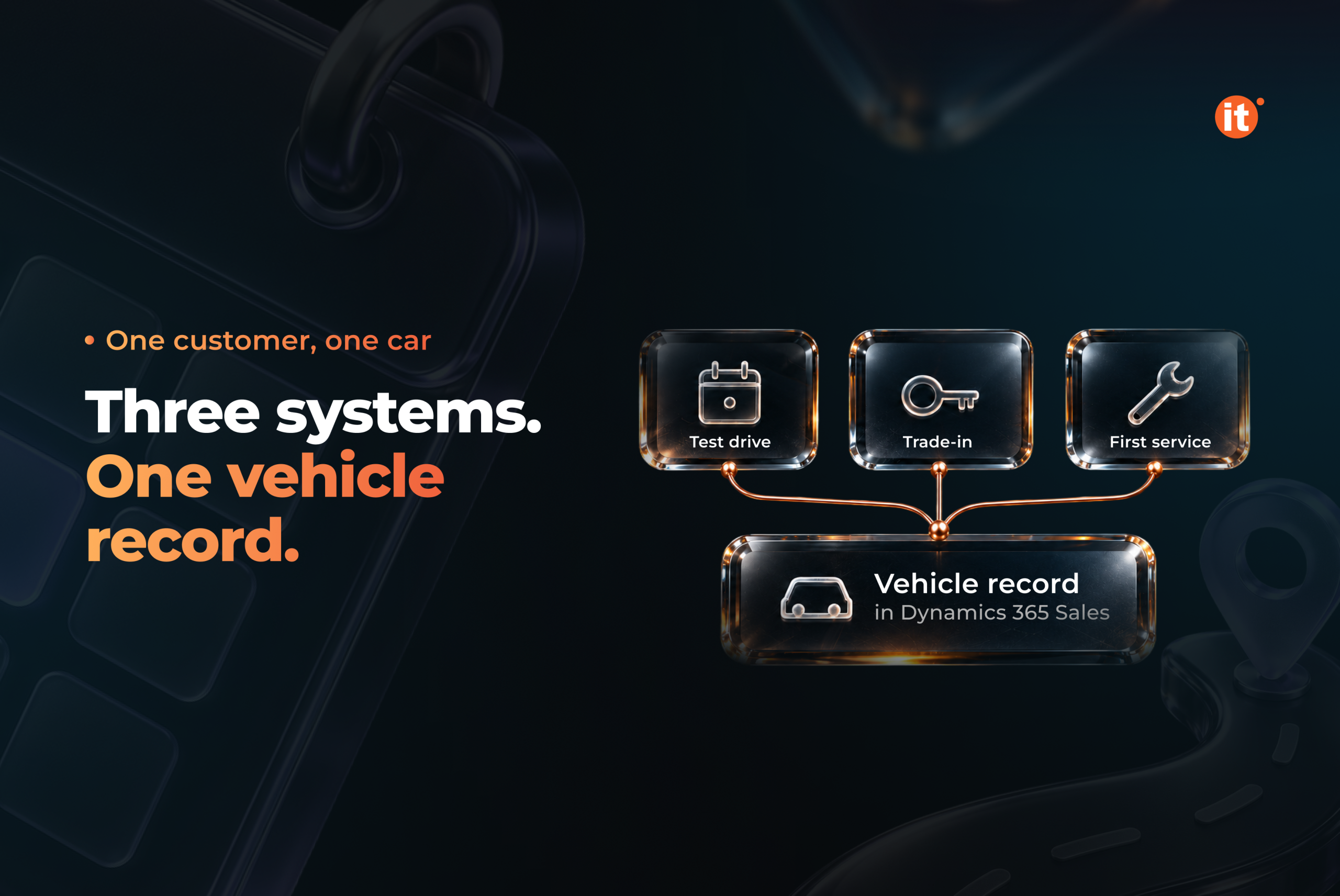
New-vehicle sales in the UAE reached about 157,000 units in the first half of 2025, up 11% year on year (AutoData Middle East, H1 2025 Used Car Market Report, 2025). Every one of those sales passes through three moments a dealer can track: the test drive, the trade-in, and the first service visit. Most dealerships record them in three different systems. An automotive dealer CRM on Microsoft Dynamics 365 Sales can put all three on one vehicle record — provided that record is designed before any process is configured.
Why the sale and the service bay lose track of each other
At many dealerships, one customer shows up three times in three systems. The test drive sits in a showroom calendar. The trade-in appraisal sits in a spreadsheet on the used-car manager’s laptop. Months later, the first service visit lands in the workshop system with no link to the original deal. Each record is accurate on its own, but none of them can tell the after-sales team who sold the car, what the customer traded in, or whether the promised follow-up call ever happened.
GCC buying habits make that gap expensive. In a survey of 3,943 buyers, 67% named online research as their main source of information, and 27.26% visited a dealership only once before buying. 31.12% said no one from the showroom contacted them during the sale (YallaMotor, GCC Car Buying Behaviour Survey, 2019). When a showroom gets one visit, the follow-up cannot depend on someone remembering it.
An automotive dealer CRM closes the gap only if the vehicle and the customer share one record from the first test drive onward. That is a data-model decision taken at implementation. It cannot be switched on later.
Test drive management tied to stock and the next step
Test drive management starts with a constraint many booking tools ignore: the car has to be on the lot. In OntargIT IDMS, built on Microsoft Dynamics 365 Sales, each test drive is booked against a vehicle the dealer actually holds in stock. The booking sits inside the same sales process as the lead, the quote and the order.
The follow-up is generated, not remembered. IDMS creates the next activity automatically, such as a call three days after the test drive. In Dynamics 365 Sales, managers design Sales accelerator sequences that set the steps a seller takes after each contact. The work list then puts the next best lead or opportunity in front of that seller. Test drive management becomes the first stage of a sale, not a calendar entry that ends when the keys come back.
Trade-in appraisal as a required step
In the UAE, a careless appraisal costs more than it used to. AutoData Middle East reports a noticeable increase in average selling times for used cars, partly driven by an influx of used Chinese vehicles (AutoData Middle East, H1 2025 Used Car Market Report, 2025). A trade-in valued too high and held too long eats into the margin on the new car it helped sell.
IDMS treats the used vehicle as a process of its own: a purchase request, then a vehicle inspection. Dynamics 365 adds the control point. A business process flow can make a step required, so the deal cannot move to the next stage until the inspection data is entered. Microsoft calls this stage-gating. One flow can span up to five tables, which keeps the appraisal, the opportunity and the quote in one guided process rather than on three separate screens.
Service reminders driven by the vehicle record
Service reminders work when they come from the car, not from a marketing list. The IDMS vehicle card records the customer’s vehicle, its planned service date and its service history. IDMS creates maintenance reminders as activities on that record. Recall campaigns use the same mechanism, and their follow-up activities are also created automatically.
Microsoft Dynamics 365 Field Service applies the same principle to equipment. A customer asset carries the service history of all past and present work orders. Customer agreements generate recurring work orders on a daily, weekly, monthly or yearly pattern. For a dealer the parallel is direct: once the vehicle is the record, the next service visit becomes a scheduled event.
This is where an automotive dealer CRM pays back in after-sales. Every sale sets up the first service booking, and every service visit adds to the history the next salesperson will see.
One process across the dealer network
For an importer, the same design repeats across every dealer. Business process flows can be assigned by security role. The importer defines the stages for test drives, trade-ins and service reminders once, and each dealer team works in the version that fits its role. IDMS supports multi-brand processes, which matters for dealer groups that hold several franchises.
Toyota Ukraine is the official importer of Toyota and Lexus with 35+ dealer centres. Working with OntargIT, it automated 15 groups of business processes and cut correspondence turnaround from three days to instant.
OntargIT built IDMS on Dynamics 365 Sales, Customer Service and Field Service for automotive importers and dealers. Toyota Motor Kazakhstan runs IDMS CRM with dedicated test-drive and trade-in blocks and Hyundai Motor Ukraine uses OntargIT’s CRM across its dealer network. A Microsoft Solutions Partner – AI Business Solutions since 2009, OntargIT has delivered 150+ projects for 140+ clients in 24 countries.
Test drives, trade-ins and service reminders are three views of one customer and one car. Dealers who design that shared record first get automatic follow-up, gated appraisals and a predictable service pipeline. Dealers who configure processes first spend their time reconciling systems. Before you choose a CRM, decide what the vehicle record must hold.