

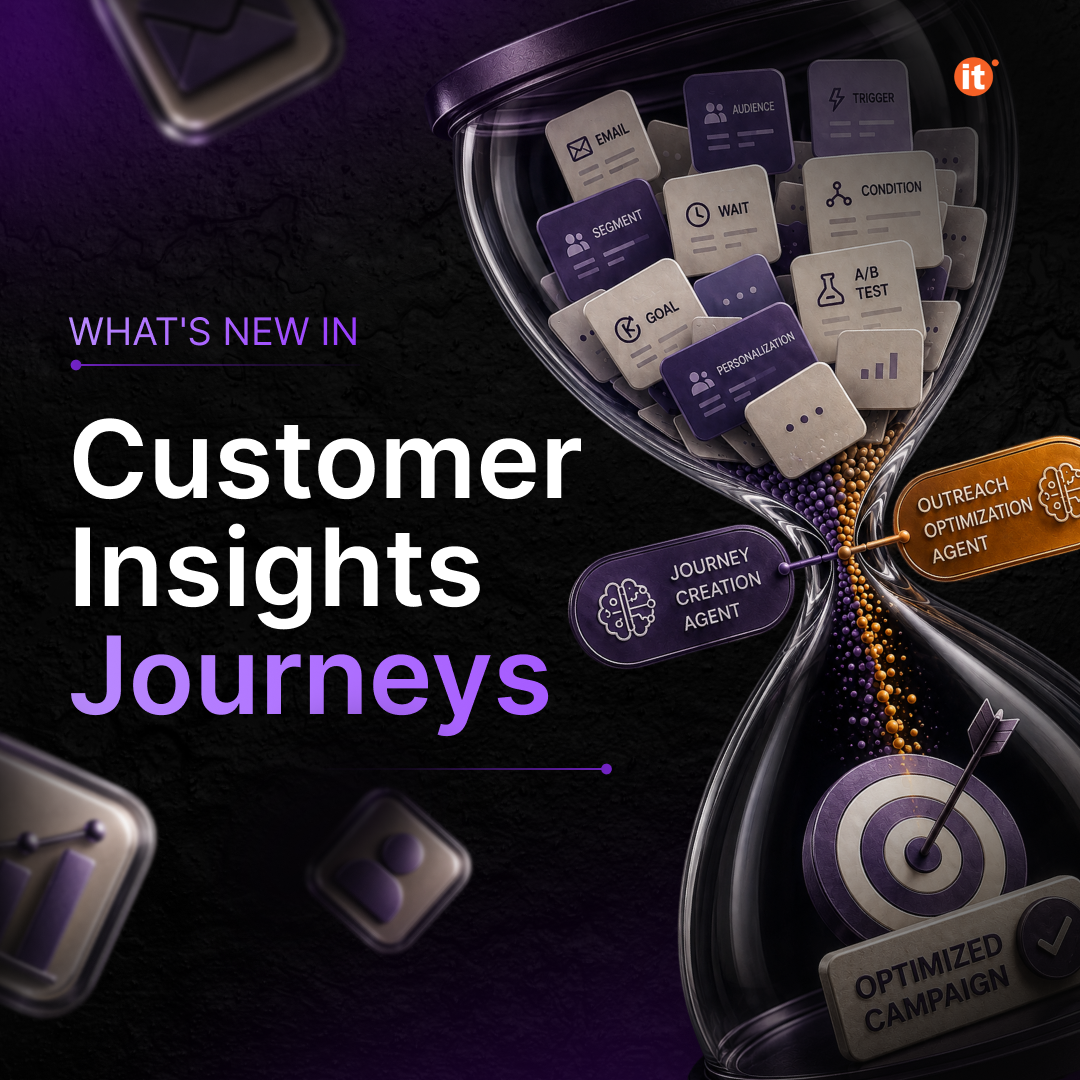
Dynamics 365 Customer Insights – Journeys is adding two AI agents that target the two biggest bottlenecks in campaign execution: building the journey and timing the send. Outreach Optimization & Journey Creation Agent are both in preview now, and together they move a marketer from a blank canvas to a live, timing-optimized journey with far less manual configuration.
Outreach Optimization Agent: send time, handled
This agent is a journey step, not a separate tool — you drop it into a journey the same way you’d add an email or a wait step. Once it’s there, it looks at your organization’s aggregated engagement history — when past emails were actually opened and clicked — and calculates the send time your audience is statistically most likely to act on. For a single email, that’s a straightforward one-time calculation. For a multi-email sequence, the agent spaces each message at its own optimal moment and tracks whether a goal condition has been met along the way: all emails sent, any link clicked anywhere in the sequence, or a specific link you designate as the real conversion trigger. It won’t cancel remaining sends once that goal is hit early, but it does record the outcome and route the contact accordingly once the sequence finishes.
Two details matter for teams worried about compliance and cold starts. First, quiet-time settings win every time — even if the data says 11 p.m. is the best-performing hour, the agent won’t schedule outside permitted windows. Second, a brand-new environment with no send history isn’t left guessing: the agent falls back to a reasonable default schedule until real engagement data accumulates.
Journey Creation Agent: describe it, don’t build it
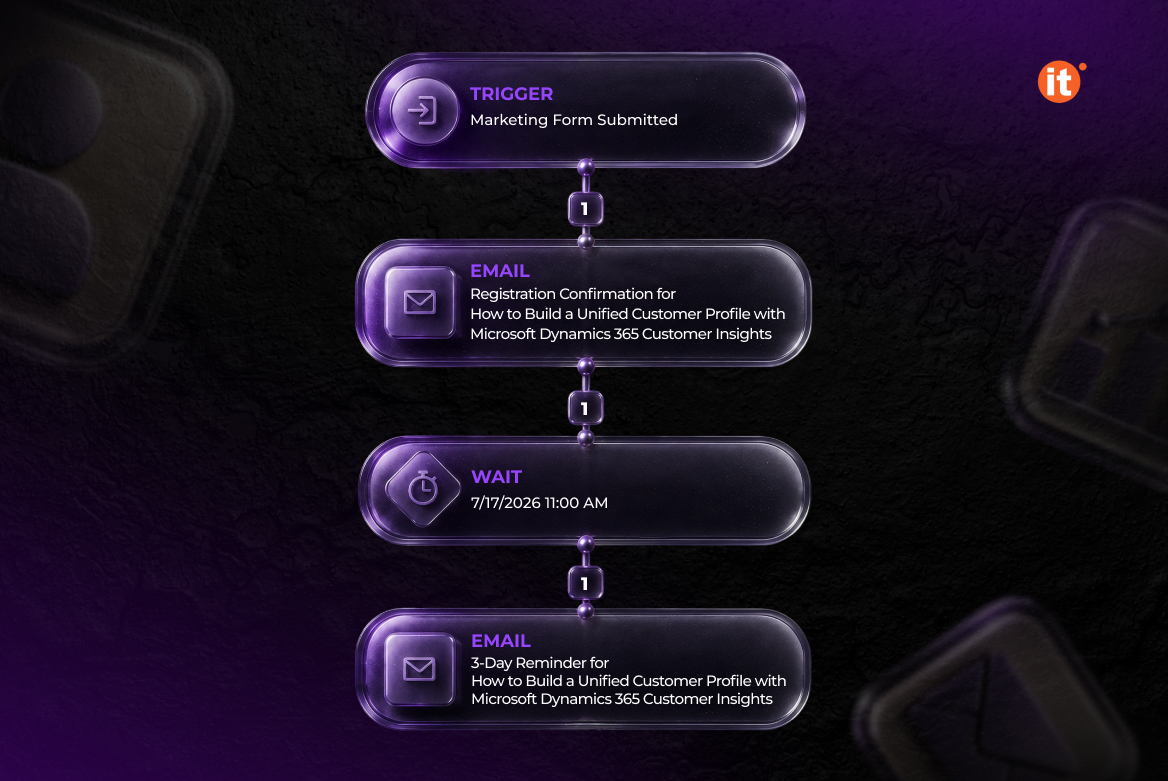
Where Outreach Optimization Agent removes a scheduling decision, Journey Creation Agent removes a construction task. You type what you want in plain language — audience, goal, timeline, channels — and the agent proposes a full journey: steps, wait periods, branching logic, and content assignments pulled from segments and messages that already exist in your environment. It doesn’t invent segments or write copy; it assembles what’s already there into a working structure, then lets you refine it through follow-up prompts before anything goes live. Nothing publishes without a manual review pass on the canvas.
The multi-channel piece is where it earns its keep for larger teams: it can sequence email, SMS, push, and custom channels with conditional branching — for instance, sending an SMS only to contacts who didn’t open the first email — and it can start a journey directly from a Dynamics 365 Sales event, such as a stalled opportunity, or a Customer Service event, such as a resolved case. That’s a real hand-off point between sales, service, and marketing teams that previously required manual coordination.
Journey Creation Agent replaces the earlier Journey Copilot and ships as part of update 1.1.65002.153, with NAM and OCE customers following in the June 2026 release. It’s English-only for now, and it runs on Anthropic’s models — which means tenants need to opt in through both the Microsoft 365 admin center and the Power Platform Admin Center before the feature is usable. Both agents draw on Copilot credits and need to be switched on through AI Hub first.
Conclusion
Run together, these two agents cover the two ends of journey building that consultants spend the most billable hours on: assembling the structure and tuning the timing. Journey Creation Agent turns a written brief into a reviewable journey draft; Outreach Optimization Agent then takes over the send-time math for whatever gets published. For teams already running Customer Insights – Journeys, the near-term move is enabling both in AI Hub and testing them against a live sales- or service-triggered scenario before the wider regional rollout lands.